
This page describes the procedure for comparing images side by side by creating a montage with ImageMagick.
What is MONTAGE in ImageMagick?
MONTAGE is a utility, that is a part of ImageMagick. It can arrange images side by side and save it as a single composite image. This is used for comparing the colors or quality of cameras, filters, editing, post processing and image technology.
$ man montage
NAME
  montage - create a composite image by combining several separate
  images. The images are tiled on the composite image optionally adorned
  with a border, frame, image name, and more.
SYNOPSIS
  magick montage input-file[s] [options] output-file
OVERVIEW
  The montage program is a member of the ImageMagick(1) suite of tools.
  Use it to create a composite image by combining several separate
  images. The images are tiled on the composite image optionally adorned
  with a border, frame, image name, and more.
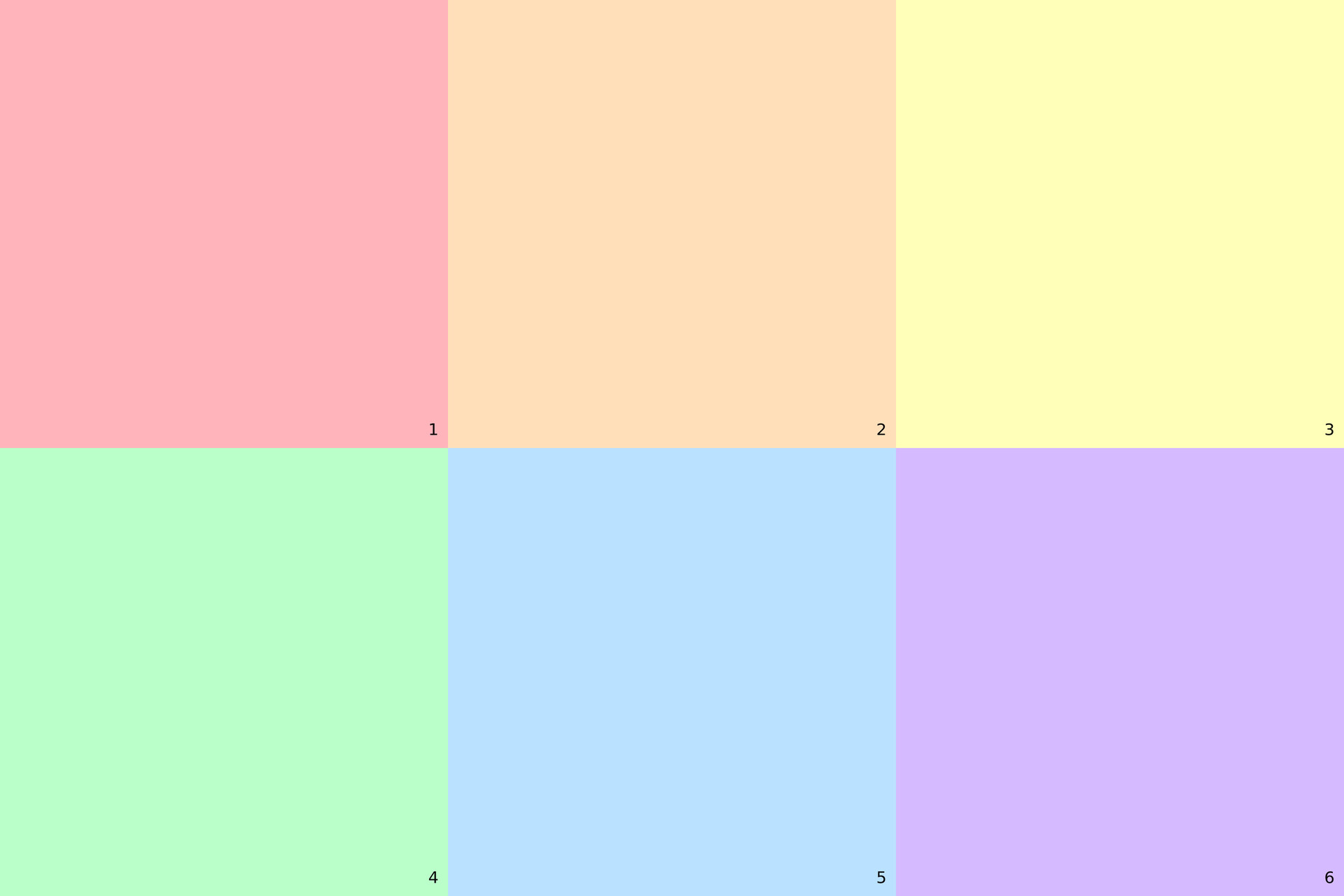
Create a montage with MONTAGE in ImageMagick
In this example, several images are given as input to MONTAGE. Each images is automatically rotated according to EXIF data, resized and cropped to 1:1 aspect ratio, annotated with the filename and camera model EXIF tag in bottom right corner, aligned in tiles 3×2, scaled with Lanczos filter and saved in high quality.
montage *.jpg \
  -auto-orient \
  -resize 1000x1000^ \
  -gravity center \
  -extent 1000x1000 \
  -font DejaVu-Sans \
  -fill white \
  -pointsize 36 \
  -background black \
  -gravity southeast \
  -annotate +20+20 "%t %[EXIF:Model]" \
  -tile 3x2 \
  -geometry +0+0 \
  -filter Lanczos \
  -quality 95 \
  montage.jpg
Test of MONTAGE in ImageMagick
Create test input images.
$ magick -size 500x500 canvas:"#FFB3BA" 1.jpg
$ magick -size 500x500 canvas:"#FFDFBA" 2.jpg
$ magick -size 500x500 canvas:"#FFFFBA" 3.jpg
$ magick -size 500x500 canvas:"#BAFFC9" 4.jpg
$ magick -size 500x500 canvas:"#BAE1FF" 5.jpg
$ magick -size 500x500 canvas:"#D5BAFF" 6.jpg
Create montage.
$ montage ?.jpg \
  -auto-orient \
  -resize 1000x1000^ \
  -gravity center \
  -extent 1000x1000 \
  -font DejaVu-Sans \
  -fill black \
  -pointsize 36 \
  -gravity southeast \
  -annotate +20+20 "%t" \
  -tile 3x2 \
  -geometry +0+0 \
  -filter Lanczos \
  -quality 80 \
  montage.jpg
View montage.
$ geeqie montage.jpg